One email.
One honest tap.
Got an email from LeadChuck asking you to confirm something, or answer a couple of quick questions? Here's exactly what it is — and why it showed up in your inbox.
The “is it OK to connect you?” link
A contractor in LeadChuck's network came across a job that sounds like yours, but they didn't hear about it from you directly — so before anyone reaches out, LeadChuck emails you first to check that it's actually welcome. The email shows the business's name and asks one simple question: “Is it OK to connect you?”
“Yes, connect me”
The contractor can now reach out to talk about your project. Nothing else happens automatically — they still have to actually call or email you.
“No thanks”
That's it — the contractor is not allowed to contact you about it. Nothing further is asked of you.
The link is safe to tap more than once. If you've already answered and open it again — say, from an old email — it just shows you the answer you already gave. It won't change your answer or contact you twice.
The quick survey
This one's rarer. It only goes out when a contractor is disputing whether a job referral they turned down was actually legitimate, and the network needs your side of the story to sort it out. You'll be asked to pick whichever one of these actually happened:
- No quote was ever given
- You received an estimate
- The work was completed
After you pick one, you'll land on a confirmation screen — “Is this correct? This action cannot be undone.” — so read it over before tapping Confirm. Once you do, that answer is final; there's no follow-up step.
It expires in 72 hours
If you don't respond within 72 hours of getting the email, the link simply stops working and the case closes without your input — you don't need to do anything else. Each survey link also works exactly once; if you or anyone else taps a link that's already been answered (or has expired), you'll just see a message saying it's no longer valid. That's expected, not an error.
What happens after you respond
Either way — a contact-request answer or a survey response — your reply is only ever used to settle that one situation between LeadChuck and its contractors. You're never charged a cent for any of this. LeadChuck is a tool contractors pay to use, not something homeowners pay for.
Don't want emails like this?
LeadChuck's monthly deals and newsletter emails carry an unsubscribe link at the bottom — tap it and you're off those marketing lists. The one-off checkpoint emails on this page (the “is it OK to connect you?” request and the occasional survey) are transactional, so they don't carry a marketing unsubscribe. If you never want to hear from a particular contractor's network again, the surest step is to answer “No thanks” on the contact-request link, or just reply to the email and ask.
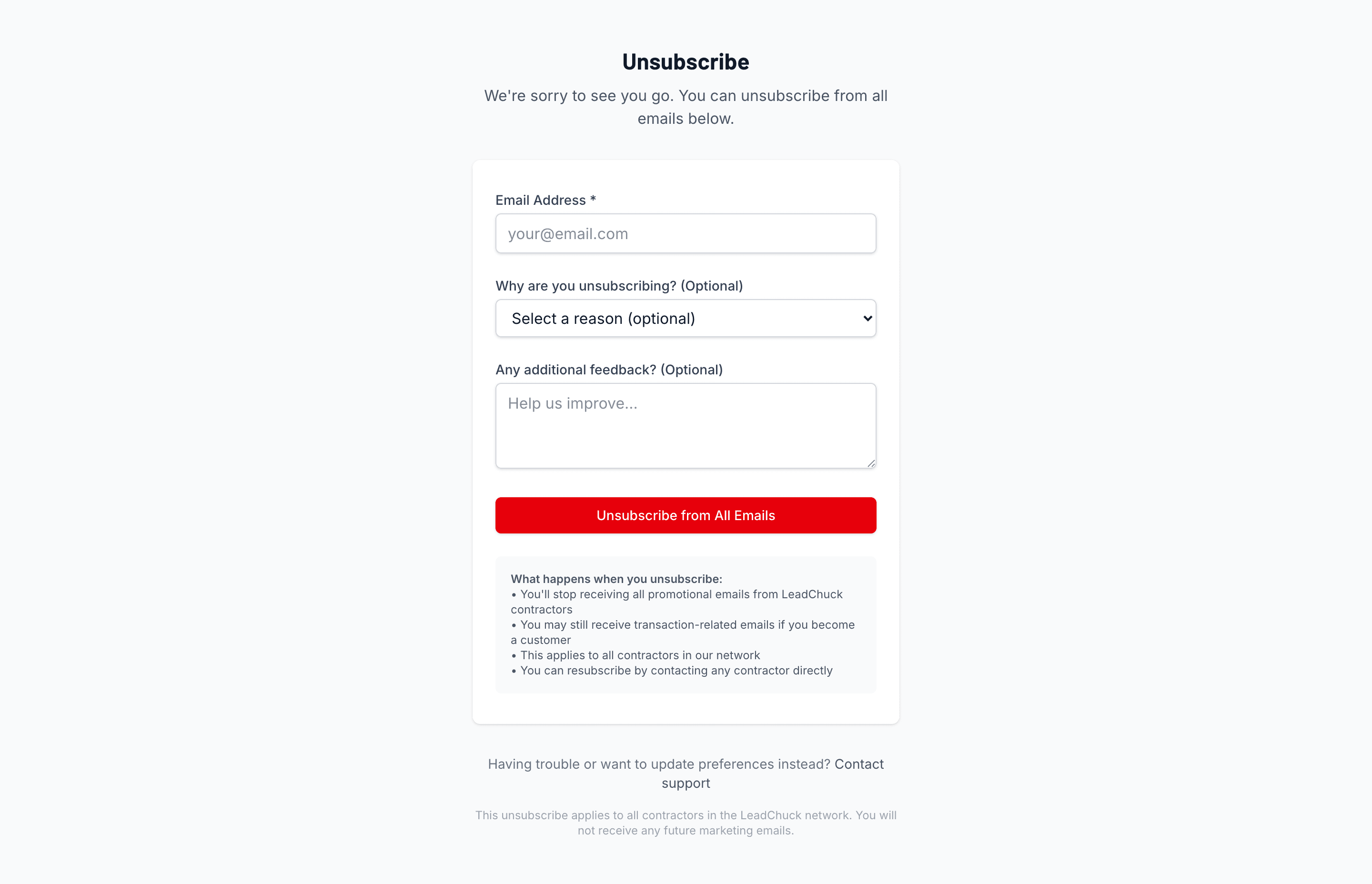
The unsubscribe page works the same way — no login, one tap to confirm.
Questions? Ask Chuck at leadchuck.com/contact.