Account Verification
Three verifications, ten minutes total. Here's exactly what you need and how to do each one.
💡 Pro Tip
Do all three verifications during setup. It takes about 10 minutes total and you literally can't do anything on the platform without them. Knock them out now and never think about it again.
Why three verifications?
Every contractor on LeadChuck is verified. That's what makes the network trustworthy. When you send someone a lead, you know they're a real person with a real business and a real bank account. No fakes, no scammers, no tire-kickers.
All three verifications show as badges on your profile — and other contractors check those before deciding to work with you.
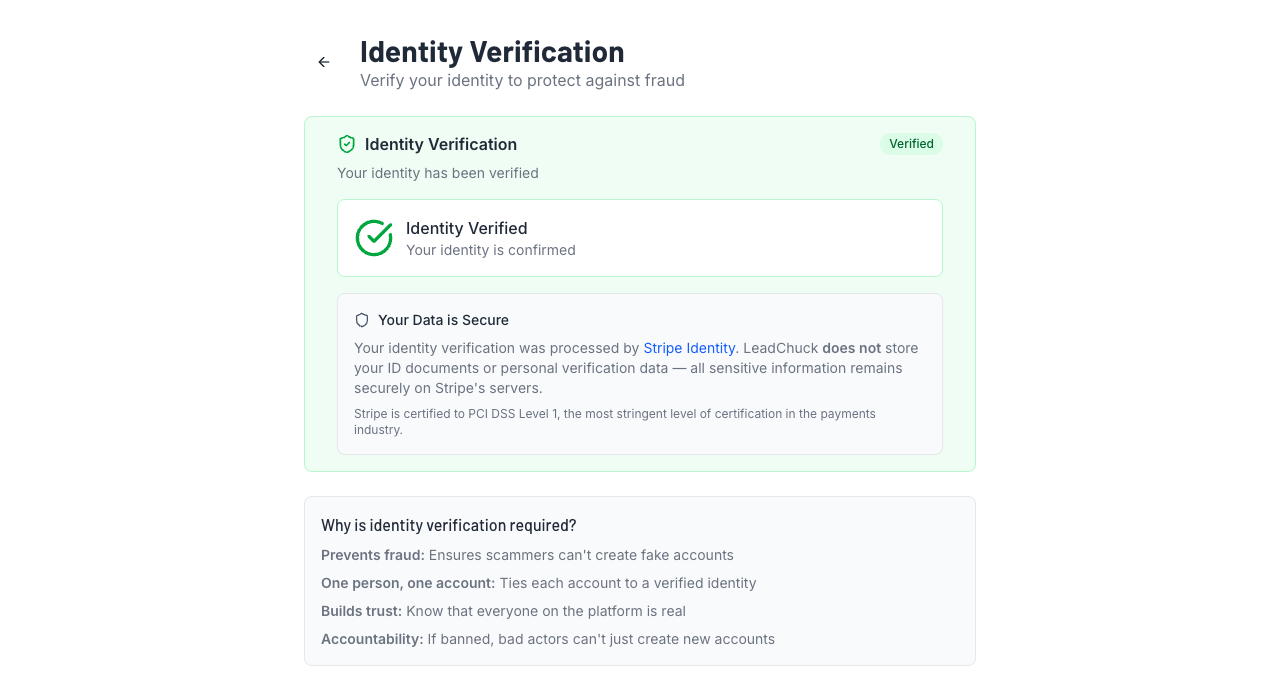
1. Identity Verification (Stripe Identity)
Time: ~2 minutes
What you need: Government-issued photo ID + your phone camera
What it is:Stripe Identity checks that you're a real person. You upload a photo of your ID (driver's license, passport, or state ID) and take a quick selfie. Stripe matches the two to confirm your identity.
How to do it:
- Go to Settings → Identity
- Click "Verify Identity"
- Choose your ID type (driver's license is easiest)
- Take a clear photo of the front of your ID
- Take a selfie — remove hats, sunglasses, masks
- Wait about 30 seconds for the result
If it fails:
- Make sure your ID isn't expired
- Use good lighting — no glare on the ID
- Your selfie needs to clearly show your face (same as your ID photo)
- The name on your ID must match your account name
- You can retry as many times as you need from the same settings page
2. Phone Verification (Twilio SMS)
Time: ~30 seconds
What you need: Your phone (duh)
What it is:We send a 6-digit code to your phone via text message. You type it in. That's it.
How to do it:
- Go to Settings → Notifications
- Enter your phone number
- Click "Send Code"
- Enter the 6-digit code you receive via text
- Done — phone verified ✅
If it fails:
- Make sure you entered the right number (with area code)
- Check that your phone can receive SMS — some VoIP numbers don't work
- Wait 60 seconds and request a new code if the first one didn't arrive
- Check your text message spam/blocked filters
3. Bank Account (Stripe Connect)
Time: ~5 minutes
What you need: Bank routing number + account number (or login for instant verification)
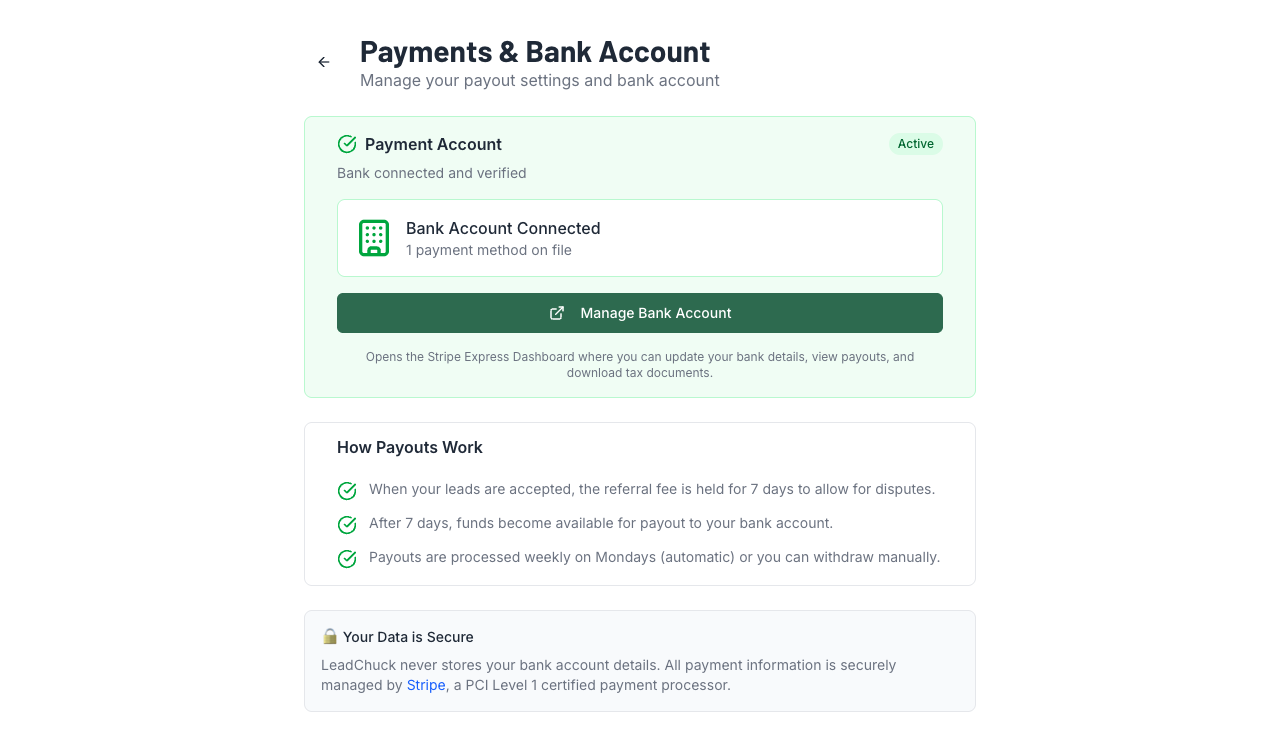
What it is:Stripe Connect links your bank account so you can get paid (when you send leads) and make payments (when you accept leads). It's the same system used by Amazon, Shopify, and thousands of other platforms.
How to do it:
- Go to Settings → Payments (or click "Manage Bank Account" on your profile)
- Click "Connect Bank Account"
- Stripe will ask for your legal name, date of birth, last 4 of SSN, and bank details
- Choose instant verification (log in to your bank) or manual (enter routing + account numbers)
- Submit — Stripe verifies it in a few seconds
If it fails:
- Double-check your routing and account numbers — one wrong digit and it won't connect
- Prepaid cards and some credit unions aren't supported
- Disable your ad blocker — Stripe's pop-ups can get blocked
- Try a different browser if the Stripe window isn't loading
Quick reference
| Verification | Method | Time | Required for |
|---|---|---|---|
| Identity ✅ | Stripe Identity (photo ID + selfie) | ~2 min | Sending & receiving leads |
| Phone ✅ | Twilio SMS (6-digit code) | ~30 sec | SMS notifications |
| Bank ✅ | Stripe Connect (bank account) | ~5 min | Sending & receiving leads |
Verification giving you trouble?
Email support@leadchuck.com and tell us which step is stuck. We'll walk you through it.