Understanding the Marketplace
How leads flow, who pays who, and why this is different from every other lead gen platform you've tried.
The Core Idea
LeadChuck is a contractor-to-contractor referral network. Not a lead gen company. Not a call center.
Here's the simplest way to think about it: A plumber finishes a job and the homeowner says, "Hey, know any good painters?" Instead of just giving a name, the plumber sends that lead through LeadChuck and earns $50 when the painter accepts.
Every lead on the platform is a real referral from a real contractor who talked to the client. You're not buying leads from a bot. You're not competing with 10 other companies for the same phone number.
Two Roles, Same Account
Every account can both send and receive leads. There's no separate "seller" or "buyer" account.
- Sending a lead — You have a referral you can't take. You find a contractor on the platform, send them the client info, and earn a fee when they accept.
- Receiving a lead — Another contractor sends you a referral. You review it, accept or reject, and if you accept, you pay the lead fee.
Most contractors do both. You send leads for trades you don't handle, and you receive leads for the work you do.
Who Pays Who
The receiver sets the price. In your profile, you set a lead fee — that's what it costs when someone sends you a lead and you accept it.
The sender shops around. When they have a referral to send, they browse contractors by trade, location, lead fee, and trust signals. They pick who to send to.
Here's how the money moves:
- Sender sends a lead to you
- You accept → you pay your lead fee + 10% platform fee
- That money goes into a hold period (based on the sender's trust level)
- After the hold period, the sender gets paid
Example: Your lead fee is $50. You accept a lead. You pay $55 ($50 + $5 platform fee). After the hold period, the sender gets $50 deposited to their bank.
The 7-Day Response Window
When you receive a lead, you have 7 days to accept or reject it. If you don't respond:
- Auto-accept kicks in — the lead is accepted and you get charged
- The sender and their client aren't left hanging
Bottom line: don't ignore leads. Accept or reject — either way, just respond.
Why This Beats Big Lead Gen
- Exclusive leads — When you accept, you're the only contractor who gets that client's info. No racing 5 other guys to be first to call.
- Warm introductions — The referring contractor already talked to the client. They're expecting your call. Way better than a cold form fill.
- You set the price — No bidding wars. No surprise charges. Your lead fee is your lead fee.
- Money stays local — You're paying fellow contractors, not a corporate lead factory.
- Quality control built in — Bad senders get flagged by the trust system. Their hold periods stay long and they can't level up.
Where to Find Things
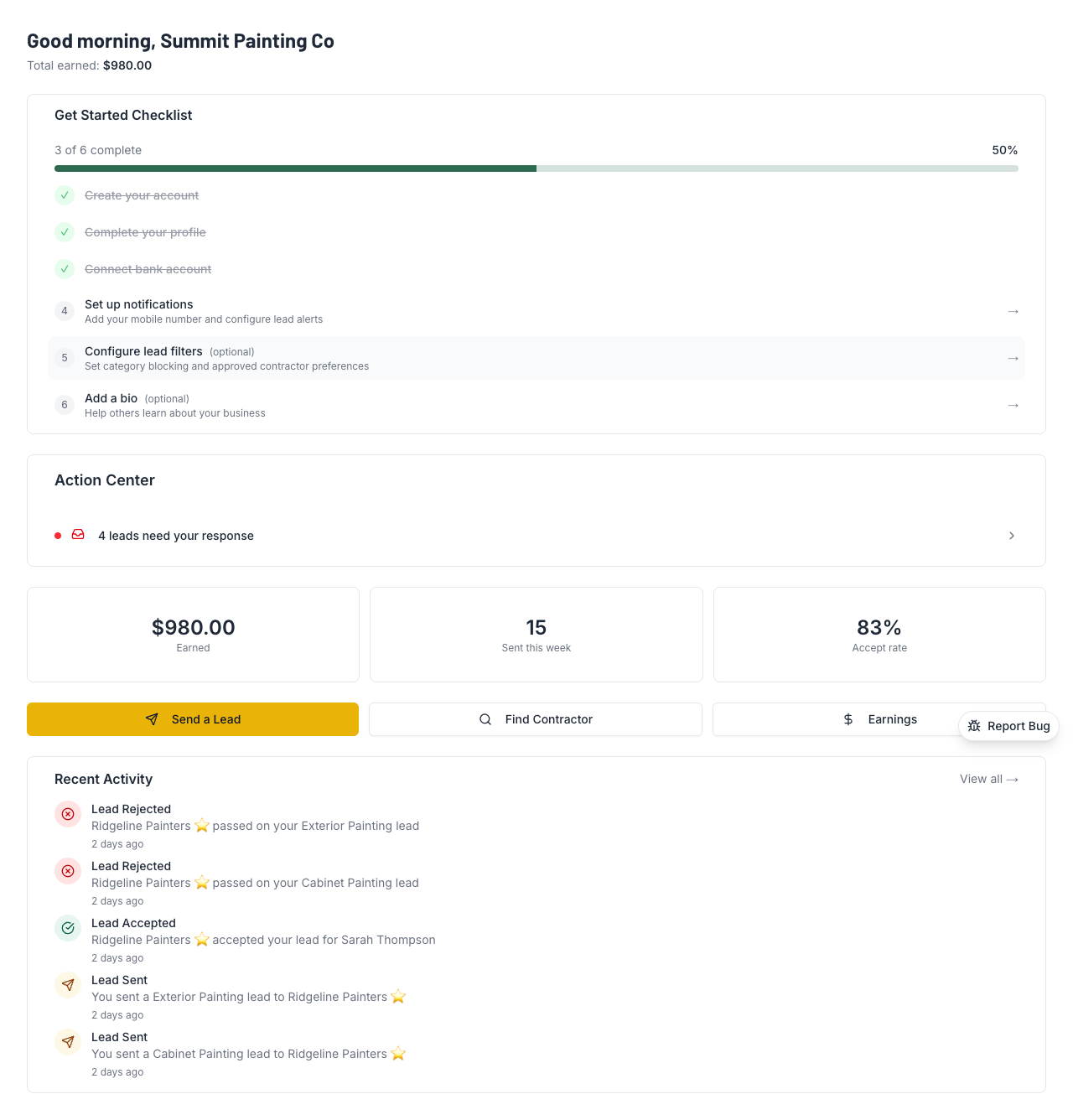
- "Send a Lead" button — on your dashboard. This is the main action when you have a referral.
- Browse Contractors — search by trade and ZIP code to see who's available and what they charge.
- Your Leads page — see incoming leads, their status, and accept/reject from here.
💡 Pro Tips
- You're not buying leads from a call center. Every lead is a real referral from a real contractor who talked to the client. Treat it that way — call the client and mention who referred you.
- Start by sending. If you're new and don't have many leads coming in yet, send a few first. You'll earn money, build trust, and start getting noticed by other contractors.
- Research before you set your fee. Research what other contractors in your area typically charge for leads before setting your price.