Payment Problems
Money stuff not working? Here's how to fix it.
💡 Pro Tip
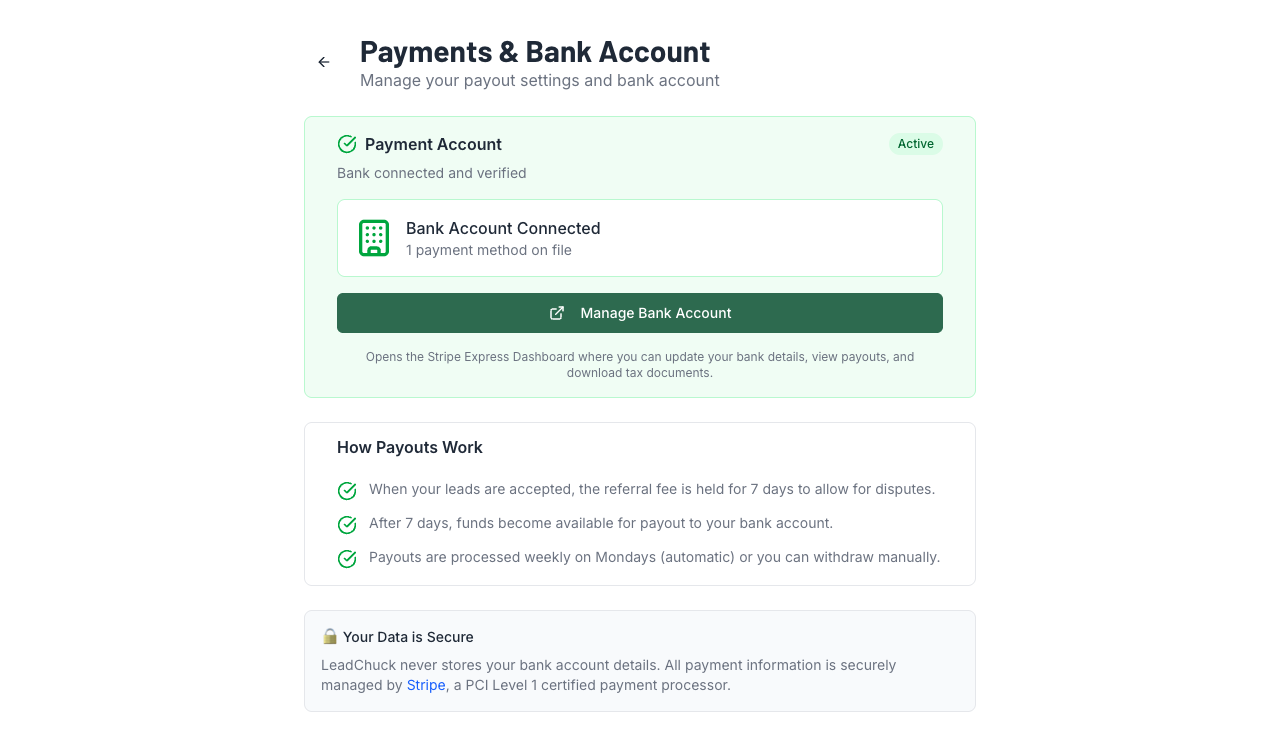
All payments on LeadChuck run through Stripe. If something's broken on the payment side, 9 times out of 10 it's a Stripe Connect issue. The "Manage Bank Account" button on your profile is your best friend.
Payment failed when I accepted a lead
This usually means your bank account needs to be reconnected. Here's what to do:
- Go to Settings → Payments
- Check if your Stripe Connect status shows as active
- If it says "Action Required" or shows a warning, click Manage Bank Account to update your info
- If everything looks fine, try accepting the lead again — sometimes it's a temporary bank hold
Stripe Connect setup isn't working
For a full step-by-step guide, see our Bank Connection Troubleshooting guide. Common causes:
- Browser issues— Stripe's verification pop-ups can get blocked. Try disabling your ad blocker or using a different browser.
- Incomplete info— Stripe needs your legal name, date of birth, last 4 of SSN, and bank routing/account numbers. If any of those are missing, the setup won't complete.
- Bank not supported — Stripe Connect works with US bank accounts. Prepaid cards and some credit unions may not work.
Try clicking the "Manage Bank Account" button on your profile page — it'll take you directly to Stripe's dashboard where you can see exactly what's missing.
Identity verification failed
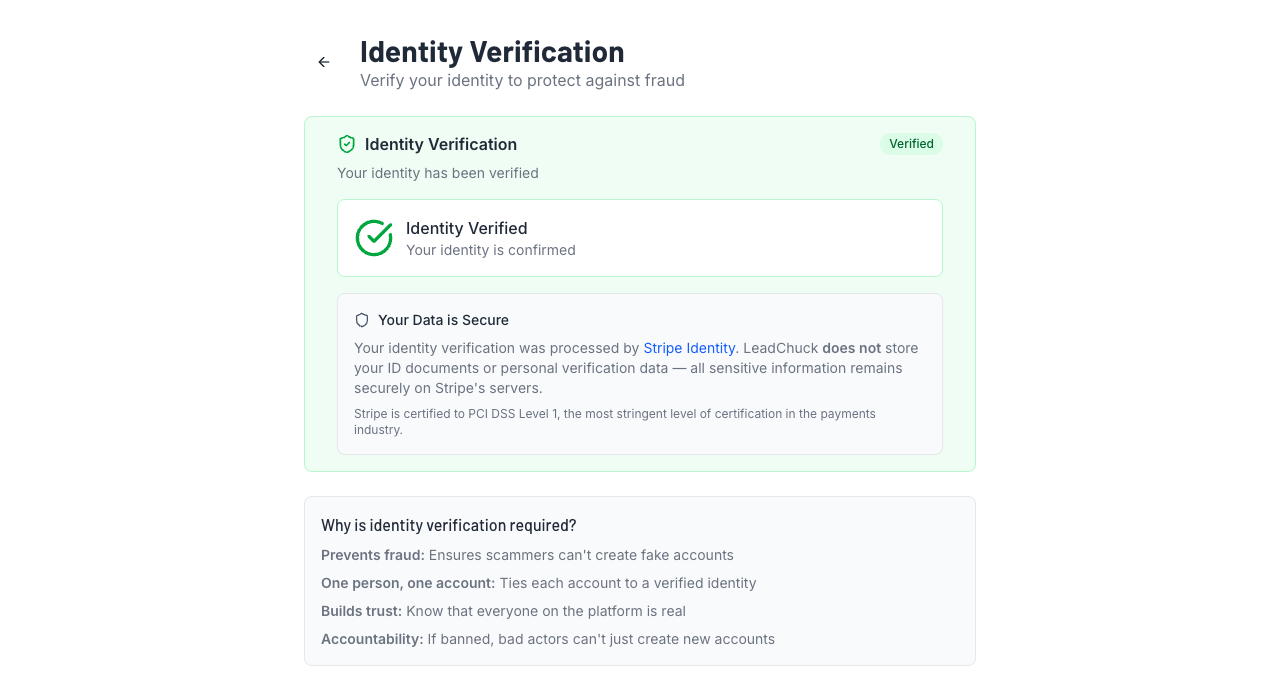
Identity verification uses Stripe Identity (photo ID + selfie). If it failed:
- Photo was blurry — make sure your ID is well-lit and in focus
- ID is expired — you need a current, valid government-issued photo ID
- Selfie didn't match — remove hats, sunglasses, or anything covering your face
- Name mismatch — the name on your ID needs to match your account
You can retry anytime from Settings → Identity. Each attempt takes about 2 minutes.
Account suspended for payment default
If a payment failed and retries didn't work (we try up to 3 times over 6 days), your account gets suspended until you clear the balance. Here's how to fix it:
- You'll get an email with a link to the unsuspend page
- Make the outstanding payment through that page
- Your account reactivates immediately after payment clears
⚠️ Heads up
While suspended, you can't send or receive leads and your profile won't show up in search. Get it cleared ASAP.
My withdrawal isn't arriving
Stripe transfers take 2–3 business days after initiation. A few things to check:
- Is the hold period over?— Your earnings aren't available until the hold period clears (7–30 days depending on your trust level)
- Check your Earnings page— look at the "Ready for Payout" amount. If it says $0, your funds are still in the hold period.
- Bank details correct?— Click "Manage Bank Account" on your profile to verify your routing and account numbers
- Weekends and holidays— bank transfers don't process on non-business days
Instant payout isn't available
Not all bank accounts support Stripe's instant payout feature. This is a bank-side limitation, not a LeadChuck one. If your bank doesn't support it, you'll only see the standard payout option (2–3 business days).
Standard payouts are always availableand don't have the small instant payout fee. If you're not in a rush, standard is the better deal anyway.
💡 Pro Tip
Turn on weekly auto-withdrawin your settings. Payouts process every Friday automatically so you don't have to manually request each one. Set it and forget it.
Payment issue not listed here?
Email support@leadchuck.com with your account email and a description of the problem. Include any error messages you're seeing — it helps us track it down faster.